
When the amber traction control light flashes, it signals a system issue. You might notice reduced acceleration or strange braking behavior. The light can also stay steady if the system is disabled.
Understanding the cause helps you decide whether to keep driving.
FMVSS 126 requires the TCS light to turn on within two seconds of a fault. Our research shows most drivers see the light after a sudden wheel slip. If the light stays on, a diagnostic scan often finds stored trouble codes.
We'll walk you through the most common reasons and how to check them.
Why Is the Traction Control Light On
The light turns on when wheel speed sensors detect slip. It signals the ECU is limiting engine torque. A steady amber means the system is active.
A flashing amber indicates a fault or disabled mode. If the light stays on, have the codes read.
How the Traction Control System Works (Core Components)
The traction control system (TCS) prevents wheel spin during acceleration. It uses wheel-speed sensors, the ECU, and brake modulators to act. When a wheel speeds up faster than the others, the system reduces torque.
This keeps the vehicle stable on wet, icy, or loose surfaces.
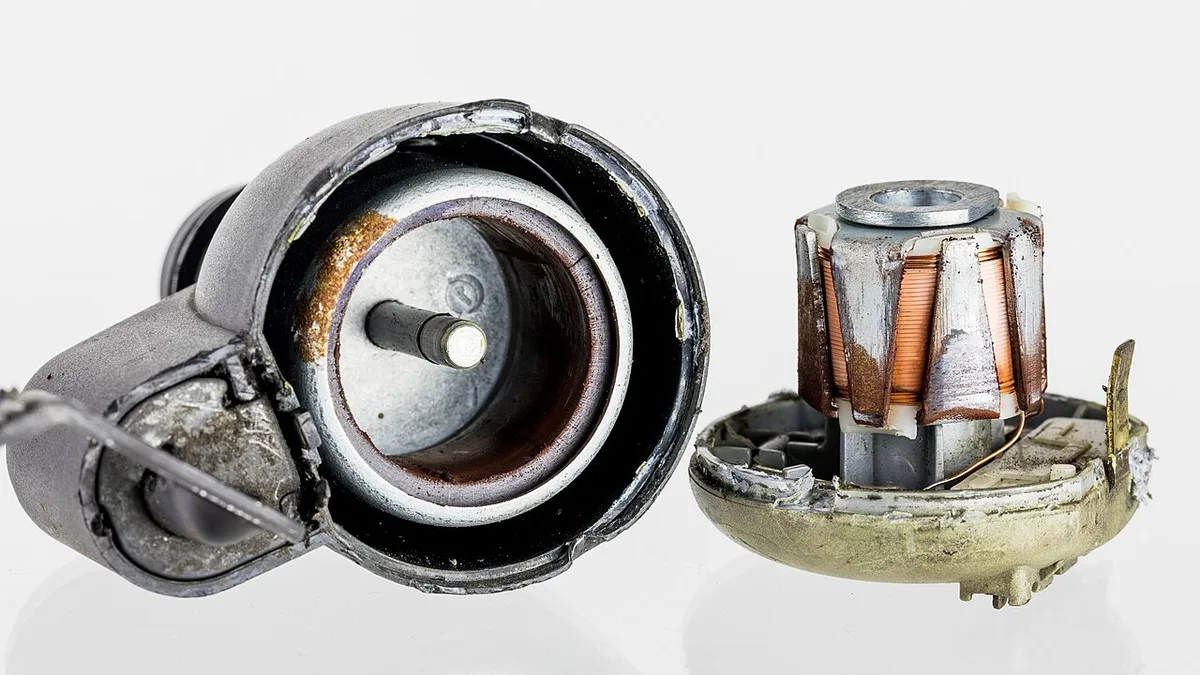
Image source: Wikimedia Commons / Raimond Spekking (CC BY-SA)
- Wheel speed sensors (two or four) detect individual wheel rotation rates.
- Electronic Control Unit (ECU) processes sensor data and commands torque reduction.
- Brake pressure modulators apply individual brake force to slow a slipping wheel.
- Traction control button lets drivers disable the system for specific conditions.
| Component | Primary Function |
|---|---|
| Wheel speed sensor | Sends real‑time speed data to ECU |
| ECU/TCS module | Calculates slip and commands torque cut |
| Brake modulator | Applies brake to slipping wheel |
| Control button | Enables manual disable of TCS |
The image shows the sensor location on the wheel hub. During normal driving, the ECU constantly monitors wheel speeds and can cut torque within milliseconds. As of 2026, most manufacturers program the TCS to engage automatically on slippery surfaces.
This quick response helps prevent wheel spin on wet pavement, and you can disable it for deep snow using the control button. If a sensor fails, the ECU may store a DTC that triggers the light. Replacing the sensor restores proper function and clears the indicator.
For detailed fault code meanings, refer to the SAE J1939 standard.
Step-by-Step Diagnostic Workflow for the Light
Park the vehicle on a flat surface and turn off the engine. Inspect tire pressure; low pressure can trigger false signals. Look at the wheel speed sensors for dirt, cracks, or loose connectors.
Connect a scan tool and read any stored DTCs. Use reading fault codes to interpret the codes. Clear the codes and test drive; watch for the light to reappear.
If the light returns, replace the faulty sensor or have a dealer reprogram the ECU. Always verify lug nuts are torqued to specification; see the correct lug nut price guide for typical costs. Refer to the NHTSA FMVSS 126 requirements for mandated activation timing.
If the ECU does not clear the code after replacement, a dealer may need to flash the latest software.
Common Mistakes, Risks, and Safety Warnings
Many drivers make simple errors that keep the traction control light illuminated. Ignoring these can lead to reduced control on slippery roads.
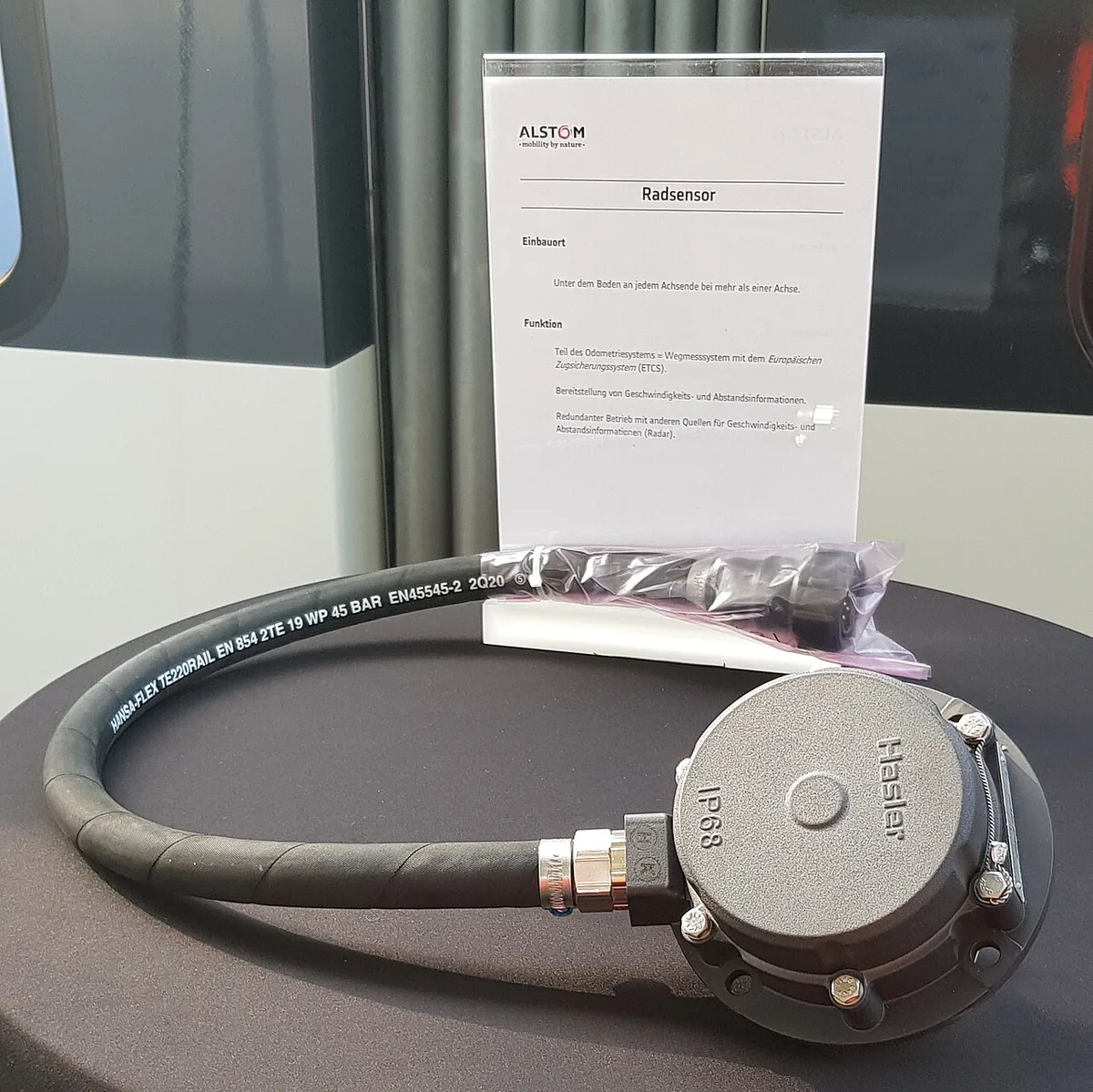
Image source: Wikimedia Commons / Bigbug21 (CC BY-SA)
Resetting the system without clearing DTCs leaves the light on.
Using mismatched tire sizes causes inconsistent wheel speeds.
Forgetting to tighten lug nuts can cause sensor misalignment.
Driving with the TCS disabled in rain or snow increases slip risk.
Never disable TCS on ice; the system is required for stability.
If the light flashes, pull over safely and scan for codes.
Continuing to drive with a faulty sensor may cause brake overheating.
Always wear seat belts and maintain proper following distance. Keeping hands at nine and three supports the system's corrective braking. The NHTSA FMVSS 126 requirements outline when the light must activate. Drivers often overlook simple checks like tire pressure, leading to unnecessary trips to the shop. Taking a few minutes to verify basics can save time and money.
FAQs About the Traction Control Light
What does a steady amber TCS light mean?
It indicates the system is active and may be limiting torque. The vehicle is using brake force on a slipping wheel to maintain traction. If the light stays on after the road dries, have the system checked.
Why does the TCS light flash intermittently?
A flashing amber light signals a fault or that the system is disabled. Common causes include a bad wheel speed sensor, low battery voltage, or a driver‑initiated override. Scan the ECU for diagnostic trouble codes to pinpoint the issue.
Can I drive with the traction control light on?
You can continue driving, but the system may not assist on slippery surfaces. Reduce speed, avoid sudden acceleration, and have the vehicle inspected soon. In icy conditions, disabling TCS can increase the risk of loss of control.
How do I reset the traction control light?
First, fix the underlying problem such as a faulty sensor or low tire pressure. Then use a scan tool to clear stored DTCs and cycle the ignition. If the light remains on, a dealer may need to reprogram the ECU.
Is a flashing TCS light the same as the ABS light?
No, the ABS light relates to brake system operation, while TCS flashing indicates a traction control fault. Both lights may appear together if a wheel speed sensor fails, but they serve different safety functions.
